Taping a Heatsink to the AMD 486 DX4-100
When I got the LS486 running again, it was running bare. No heatsink, nothing on the processor at all. It POSTed, it sat in the BIOS quite happily, and it was easy to forget that a 100 MHz 486 actually needs help getting rid of heat.
The chip is blunt about it. Printed right there on the lid, in AMD’s own words:
HEATSINK AND FAN REQ’D
So it needed a heatsink. Which raises an obvious problem, because a Socket 3 board from 1995 gives you nowhere to mount one.
The Chip
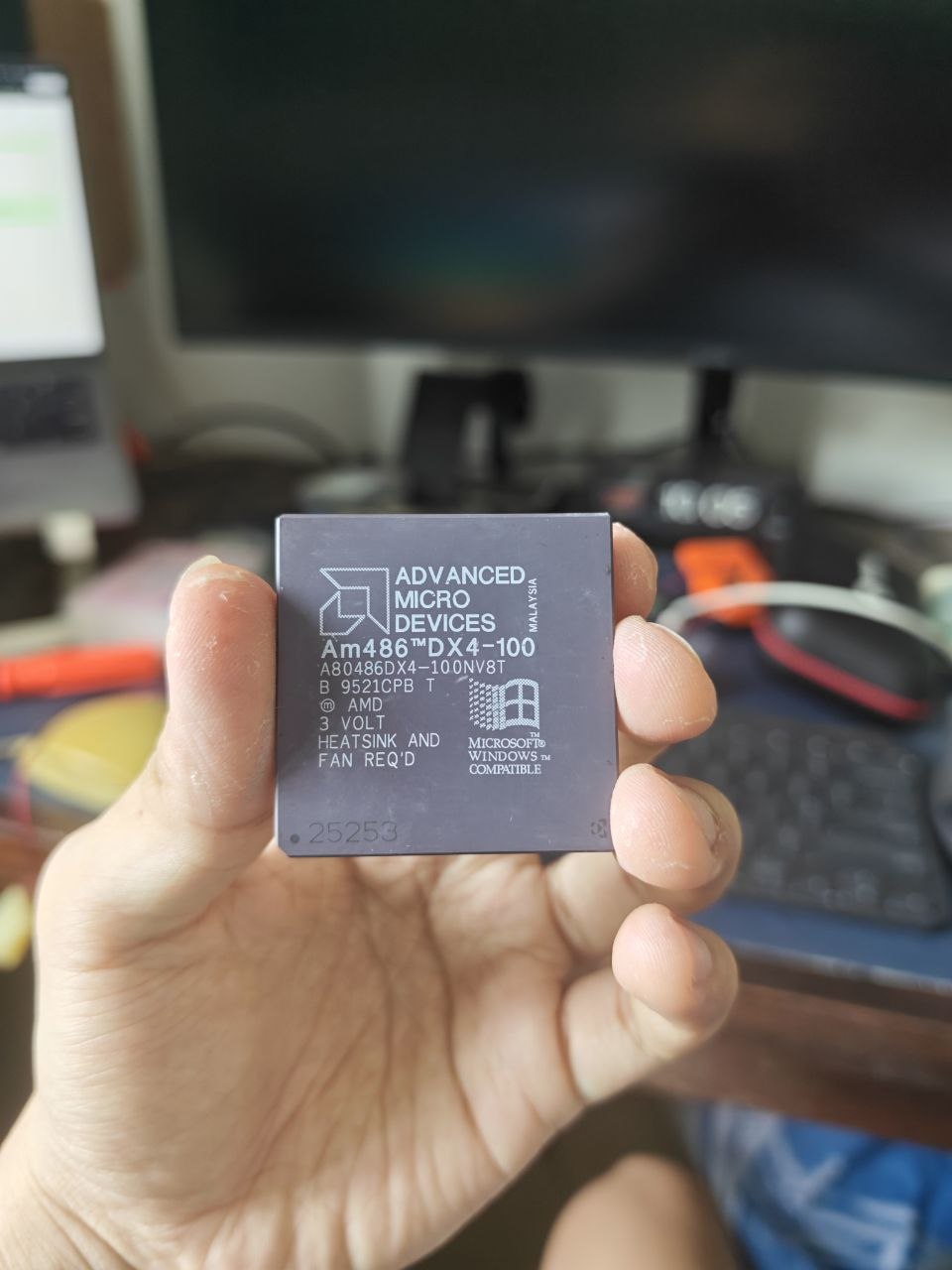
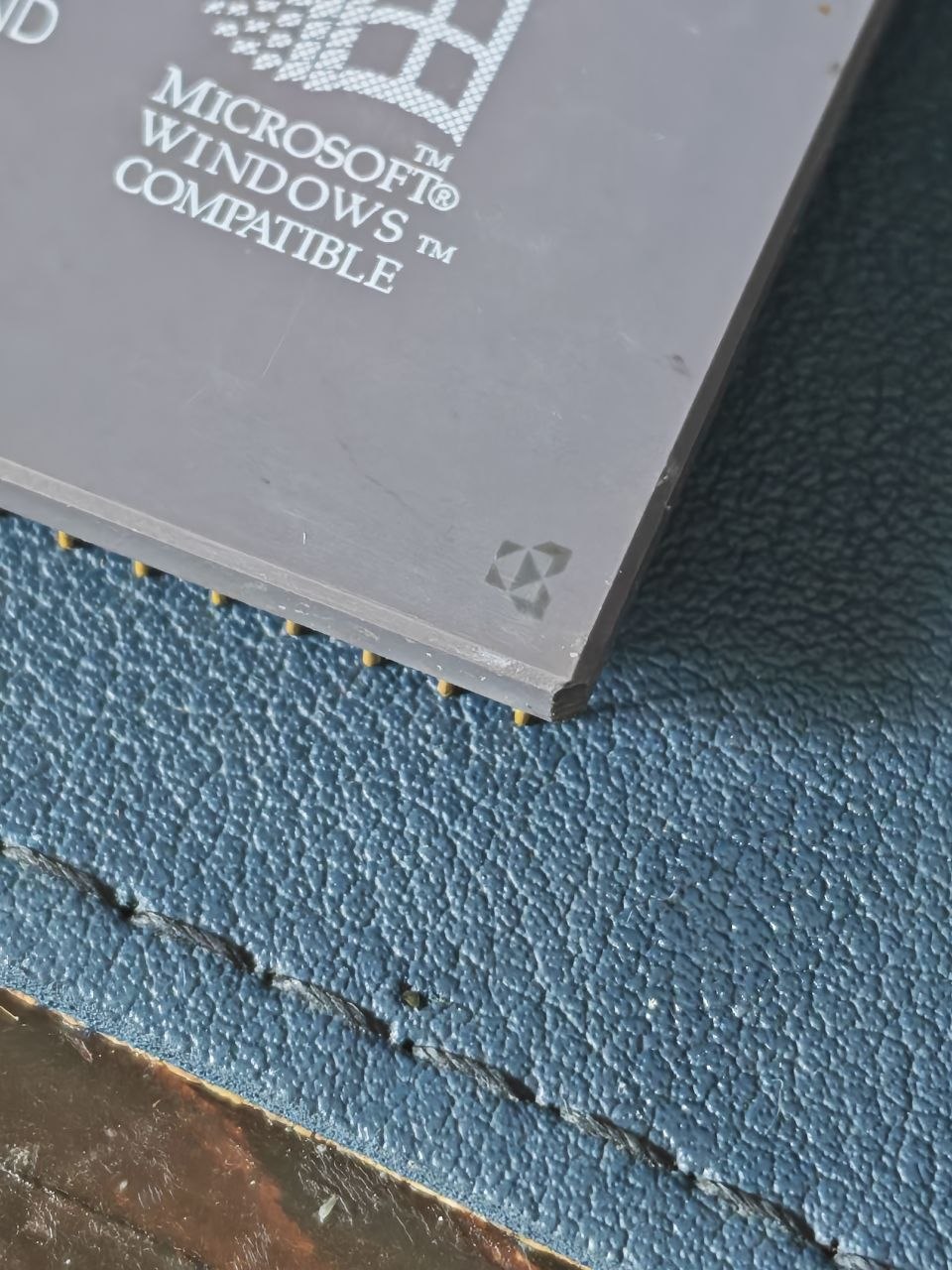
Reading the lid top to bottom: the AMD logo and ADVANCED MICRO DEVICES, MALAYSIA, Am486 DX4-100, A80486DX4-100NV8T, a lot line that reads roughly B 9521CPB T, 3 VOLT, HEATSINK AND FAN REQ’D, the Microsoft Windows Compatible logo, and 25253 tucked down in the corner.
The part number decodes the way AMD part numbers usually do, and the Am486DX4 datasheet, publication 19160 spells the whole thing out:
- A is the 168-pin PGA package
- 80486DX4 is the device, a clock-tripled 486 with an FPU
- 100 is the clock speed, so a 33 MHz bus with a 3x multiplier
- N means no ICE microcode
- V is a 3.3V core with 5V tolerant I/O
- 8 is eight kilobytes of cache
- T is a write-through cache policy
Two of those are more interesting than they look.
The N is a legal artefact. Intel allowed AMD to second-source the 286 and the 386, but not the 486, so AMD had to strip Intel’s in-circuit emulation microcode out of their own part. Chips without the N still contain it. You are looking at the result of a lawsuit on a processor lid.
And T matters because the Am486DX4 existed in two flavours. The NV8T is write-through. The Enhanced Am486, marked SV8B, has a write-back cache and is measurably faster for the same clock. I have the slower one. It is still 100 MHz.
The lot line is the other detail worth a look. If 9521 is a date code in year-week form, this chip came off the line in week 21 of 1995, which is late in the 486’s commercial life. And 25253 is not a serial number. The same marking turns up on other NV8T parts, so it is a die or mask reference rather than something unique to this chip.
What actually matters for cooling, though, is this. AMD rates the DX4-100 at 2.64 W typical and 3.6 W maximum, with a maximum case temperature of 85 °C. Three and a half watts does not sound like much, and it genuinely is not much. But it is enough to matter inside a passive 486 case with no airflow, which is exactly why the lid says what it says.
The Mounting Problem
Every cooling solution you would reach for first assumes you can clamp something down.
Thermal paste is the best thermal interface by a wide margin, but paste has no adhesive properties at all. It only works under pressure. You need a clip, or a bracket, or spring posts, and this board has none. Socket 3 on the LS486 has no retention lugs beside the socket, and the processor is a 168-pin ceramic PGA with nothing on top to grab.
Thermal epoxy solves the adhesion problem permanently, in the literal sense. You are not getting that chip back out without destroying something, and a working Am486 DX4-100 is not something I want to destroy in 2026.
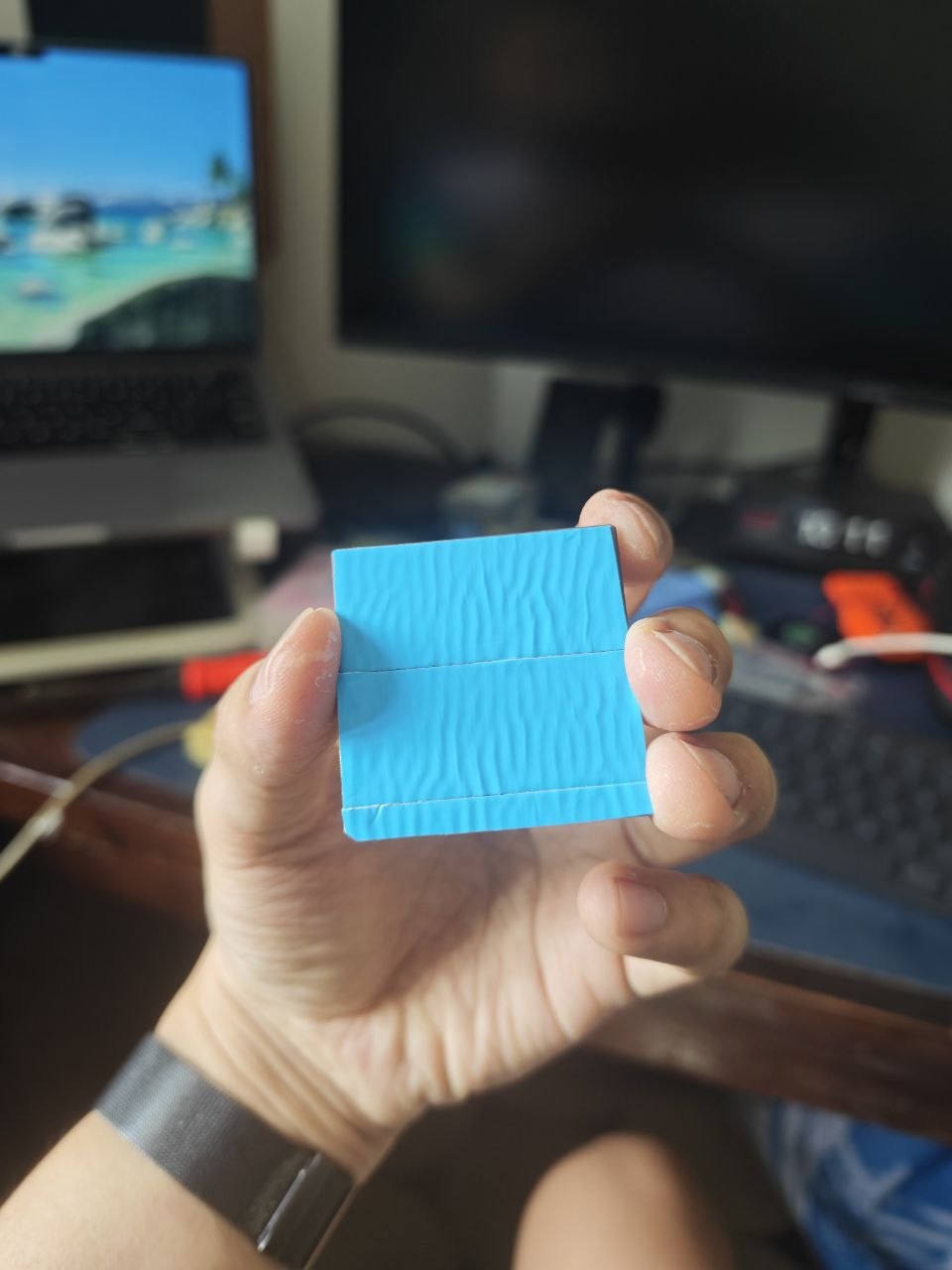
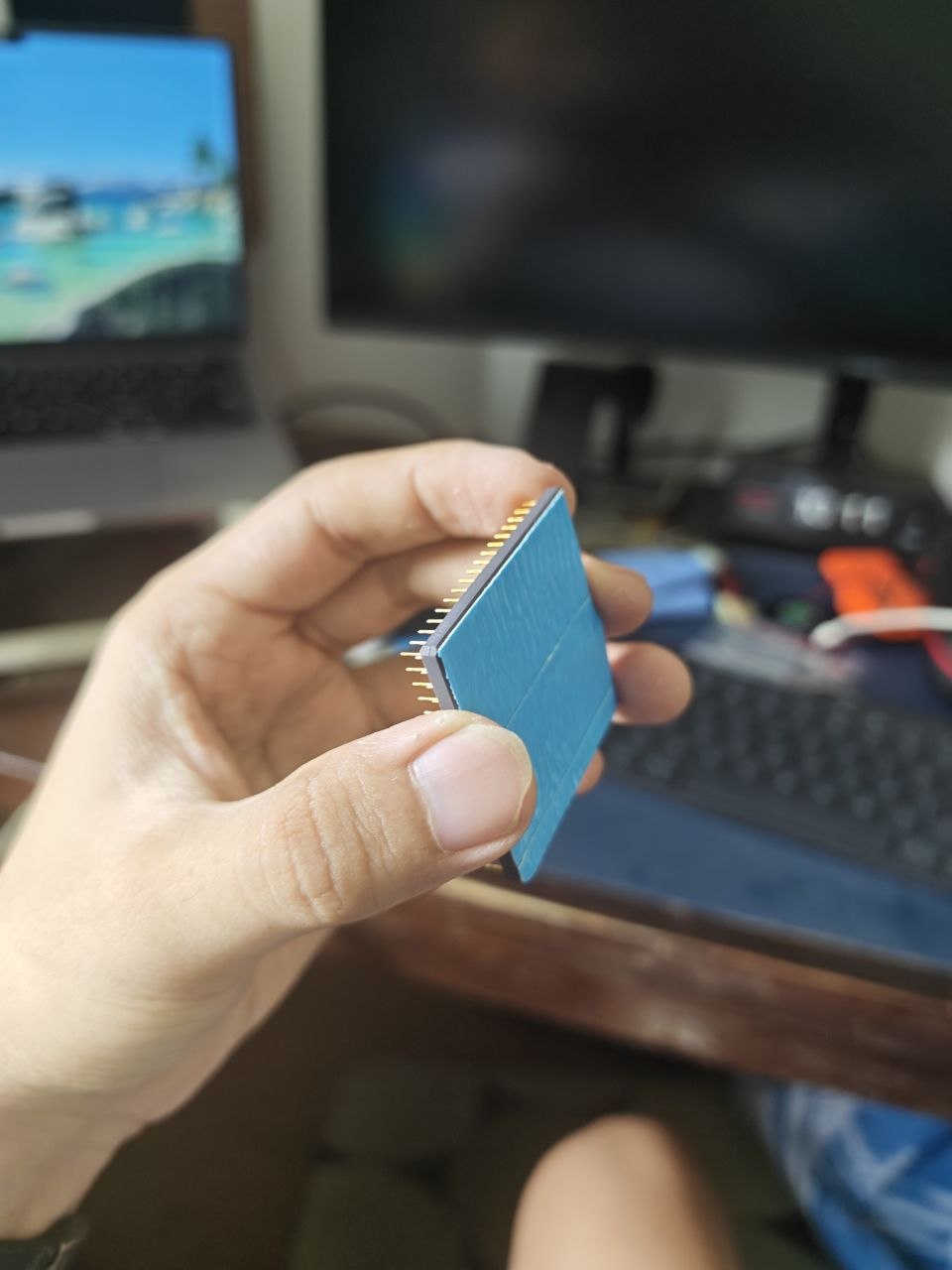
That leaves thermal double tape: double-sided adhesive tape with a thermally conductive filler, usually somewhere between 0.1 mm and 0.5 mm thick. It does two jobs at once. It is the thermal interface and it is the mechanical retention, and it needs no clip and no bracket because the tape itself is what holds the heatsink down.
The Catch, and Why It Does Not Matter Here
Here is the honest trade. Tape conducts heat much worse than paste, and it is thicker, and both of those stack against you.
The thermal resistance of a flat layer is θ = L / (k × A), where L is thickness, k is conductivity, and A is contact area. Assume a 25 by 25 mm contact patch, so A = 625 mm².
| Interface | θ (°C/W) | ΔT at 3.6 W |
|---|---|---|
| Thermal tape, 0.20 mm, k = 0.8 | 0.400 | 1.44 °C |
| Thermal tape, 0.15 mm, k = 1.0 | 0.240 | 0.86 °C |
| Thermal epoxy, 0.05 mm, k = 1.0 | 0.080 | 0.29 °C |
| Thermal paste, 0.05 mm, k = 8 | 0.010 | 0.04 °C |
So the tape is roughly forty times worse than good paste. That sounds damning until you read the right hand column, where forty times worse is still about 1.4 °C.
Now compare it against the other half of the same thermal path, the half everybody forgets about:
| Heatsink to air | ΔT at 3.6 W |
|---|---|
| 2.0 °C/W, small with good airflow | 7.2 °C |
| 4.0 °C/W, typical 486 heatsink | 14.4 °C |
| 8.0 °C/W, small passive with no airflow | 28.8 °C |
Getting heat out of the heatsink and into the air costs an order of magnitude more than the interface material does, and that is before a fan is involved at all. The whole available budget, from a 25 °C room up to the 85 °C case limit, is 60 °C. A typical 486 heatsink with tape spends about 16 °C of it. The tape is 9 percent of the total path.
Which is the entire point. Tape loses about 1.4 °C against paste on a part with 60 °C of headroom. That is two percent of the budget. The interface material was never the bottleneck, so it is not worth solving the mounting problem badly just to get paste in there.
What actually matters is airflow. The lid says so, and the numbers agree with the lid.
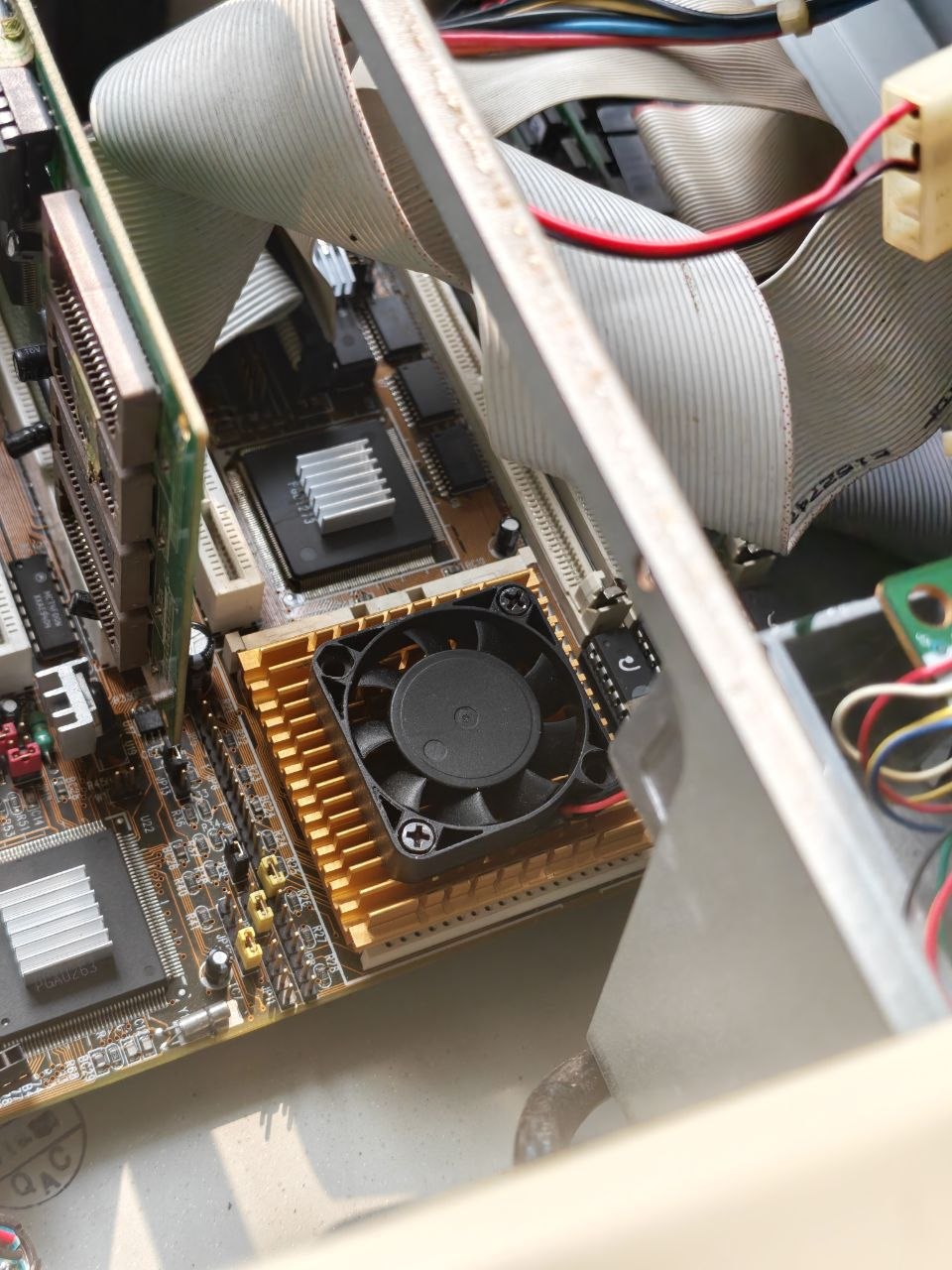
How I Did It
- Clean both surfaces with isopropyl alcohol and let them dry. The ceramic lid on a 486 is flat and smooth, which is ideal for adhesive tape.
- Cut the tape to the size of the contact patch, not the size of the heatsink. You want it covering the lid with no overhang hanging off the edge.
- Peel one backing and press the tape onto the heatsink base first, working any air bubbles out from the middle outward.
- Peel the second backing, line the heatsink up over the processor, and press straight down. Once the tape touches, you do not get to slide it around.
- Hold firm pressure for a minute, then leave it alone for a few hours before putting the board back into service. The adhesive needs time to wet out.
- Fit a fan. The tape moves heat into the heatsink. Something still has to move it out of the case.
Things I Would Tell Someone Else
- Tape is semi permanent. It comes off with heat and patience, but a cold pull can take the chip out of the socket with the heatsink attached, or worse, lift the heatsink off the ceramic lid and leave the adhesive behind. If you plan to swap processors, do it before you tape, not after.
- Adhesive gets old. These tapes have a shelf life and a service life. The original paste in a 30 year old machine is already chalk, and tape is not immune to the same fate.
- Tape is not a heatsink. It is a way to attach one. A patch of tape on a processor with nothing on top of it does nothing at all.
- Bare die would be a different story. This works because a 486 has a flat ceramic lid with a decent contact area. On anything with an exposed die, the same approach is a bad idea.
Where This Leaves the Build
The DX4-100 is properly mounted now and the board is back in the case. The 3.3V setting is still where it should be, which matters more than the heatsink does. I fed one of these 5V by accident once already and it survived, and I am not planning to test that twice.
The rest of the system came together faster than I expected, and one item on my list turned out to be unnecessary. The PicoMem I installed earlier has SD card storage built into it, so the CompactFlash adapter I was planning to buy never happened. The machine already had a disk and I had simply forgotten about it.
The Sound Blaster 16 is in the machine and out of the parts bin, and the whole thing boots: DOS 6.22 with Windows 3.1 on top, which was the entire point of the exercise. A board that came home from a junk shop completely dead is now running a period correct operating system with sound and storage, and the processor is sitting under a heatsink held on by about a dollar’s worth of tape.
Current Configuration
- Processor — AMD Am486 DX4-100 at 3.3V, heatsink attached with thermal tape
- PicoMem — IRQ 3, providing SD card storage
- Sound Blaster 16 — IRQ 5
- Mouse — COM1, IRQ 4
- Operating system — DOS 6.22 with Windows 3.1